> For the complete documentation index, see [llms.txt](https://docs.big-brain.co/llms.txt). Markdown versions of documentation pages are available by appending `.md` to page URLs; this page is available as [Markdown](https://docs.big-brain.co/apps/jobs-sync/active-and-previous-syncs.md).
# Active and Previous Syncs
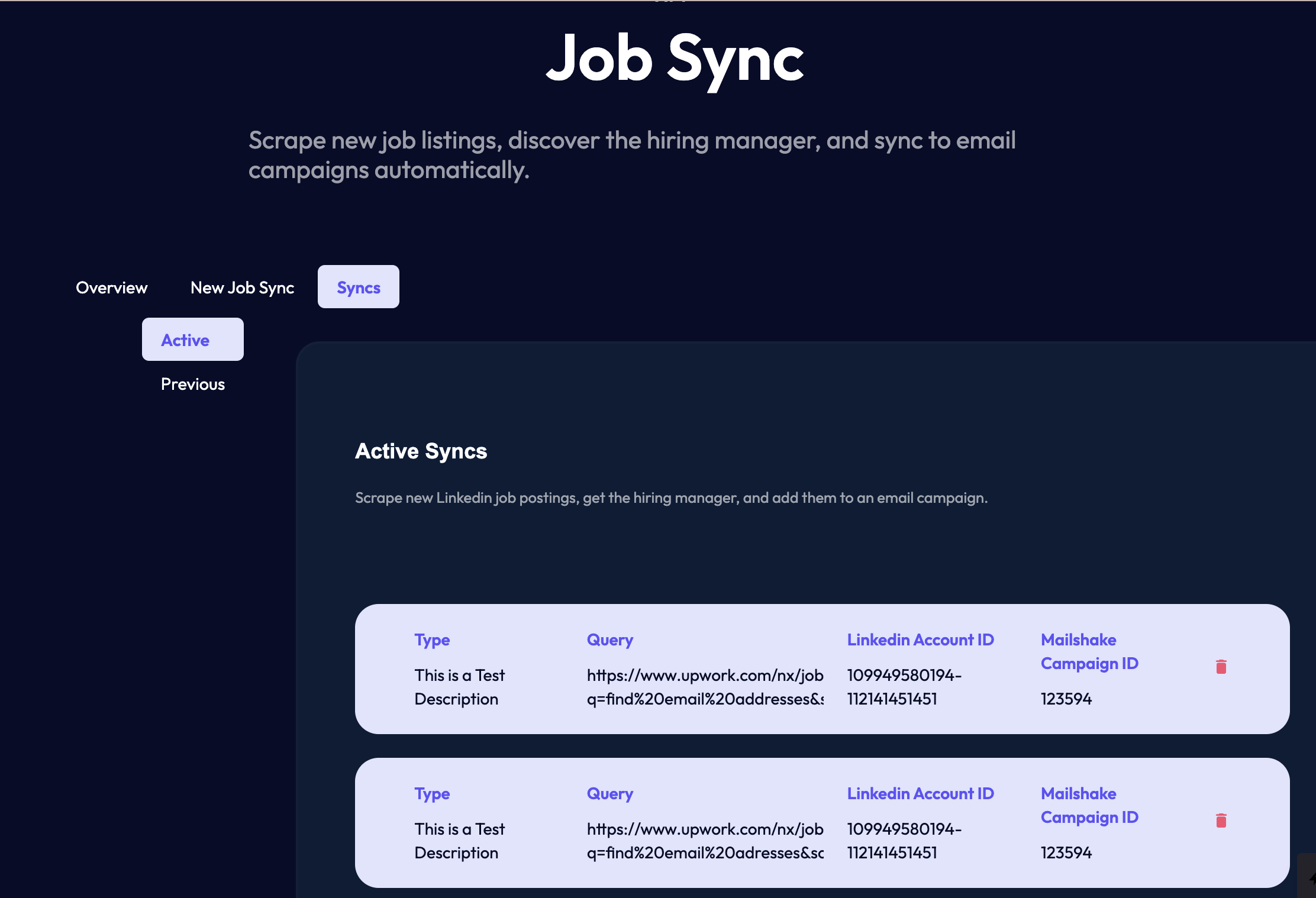
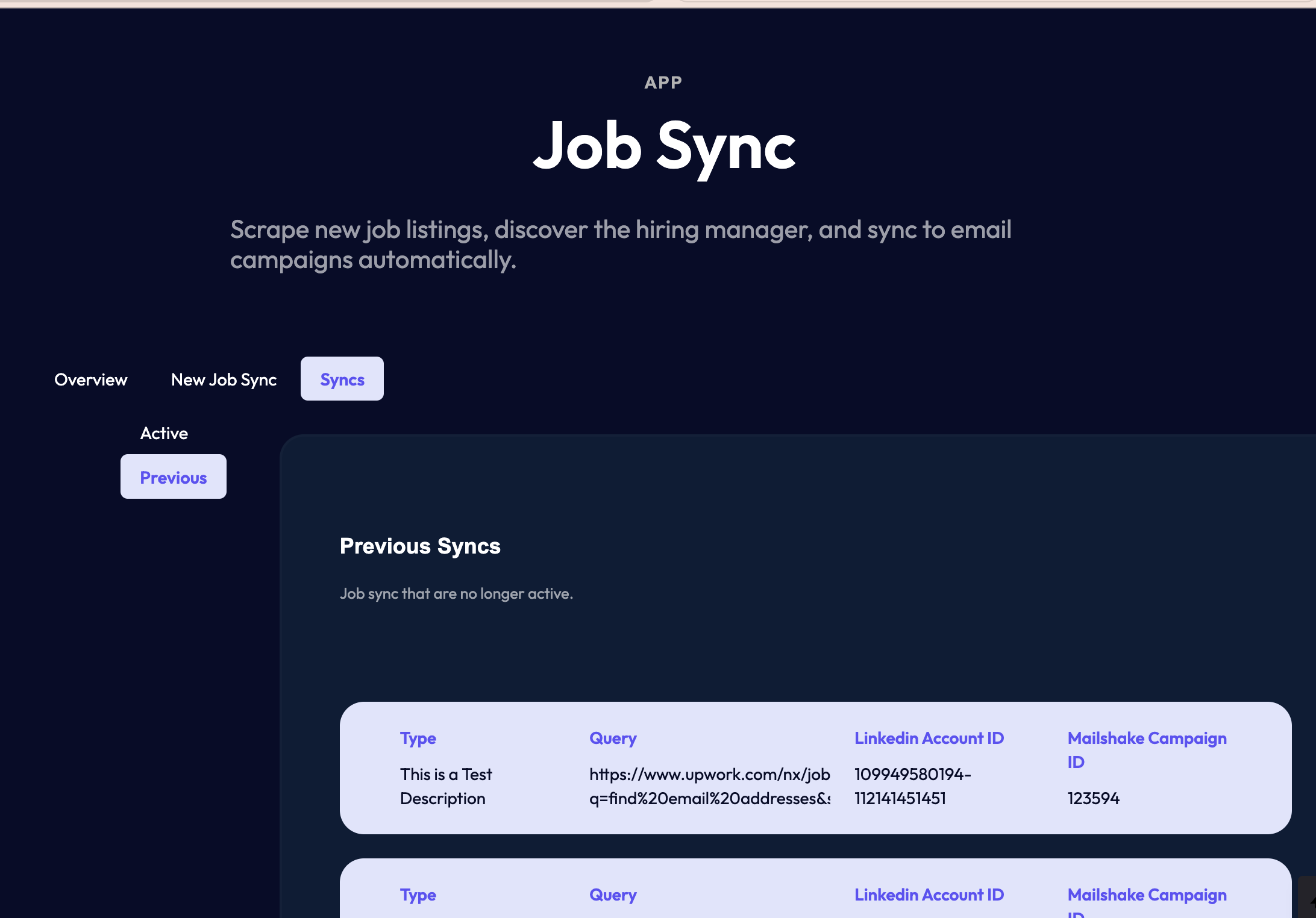
Navigate to the [Job Sync](https://www.big-brain.co/app/job-sync) app and select the "Syncs" tab.
## Active Syncs
In the "Active" tab you can view existing syncs or delete the existing syncs. If you delete a sync, it will be moved to the "Previous" tab.
Active Syncs
## Previous
In the "Previous" tab you can view Syncs that you have disabled.